Changelogs
Stay up to date with the latest changes and enhancements.
Stay up to date with the latest changes and enhancements.

21. Jul 2025
Share
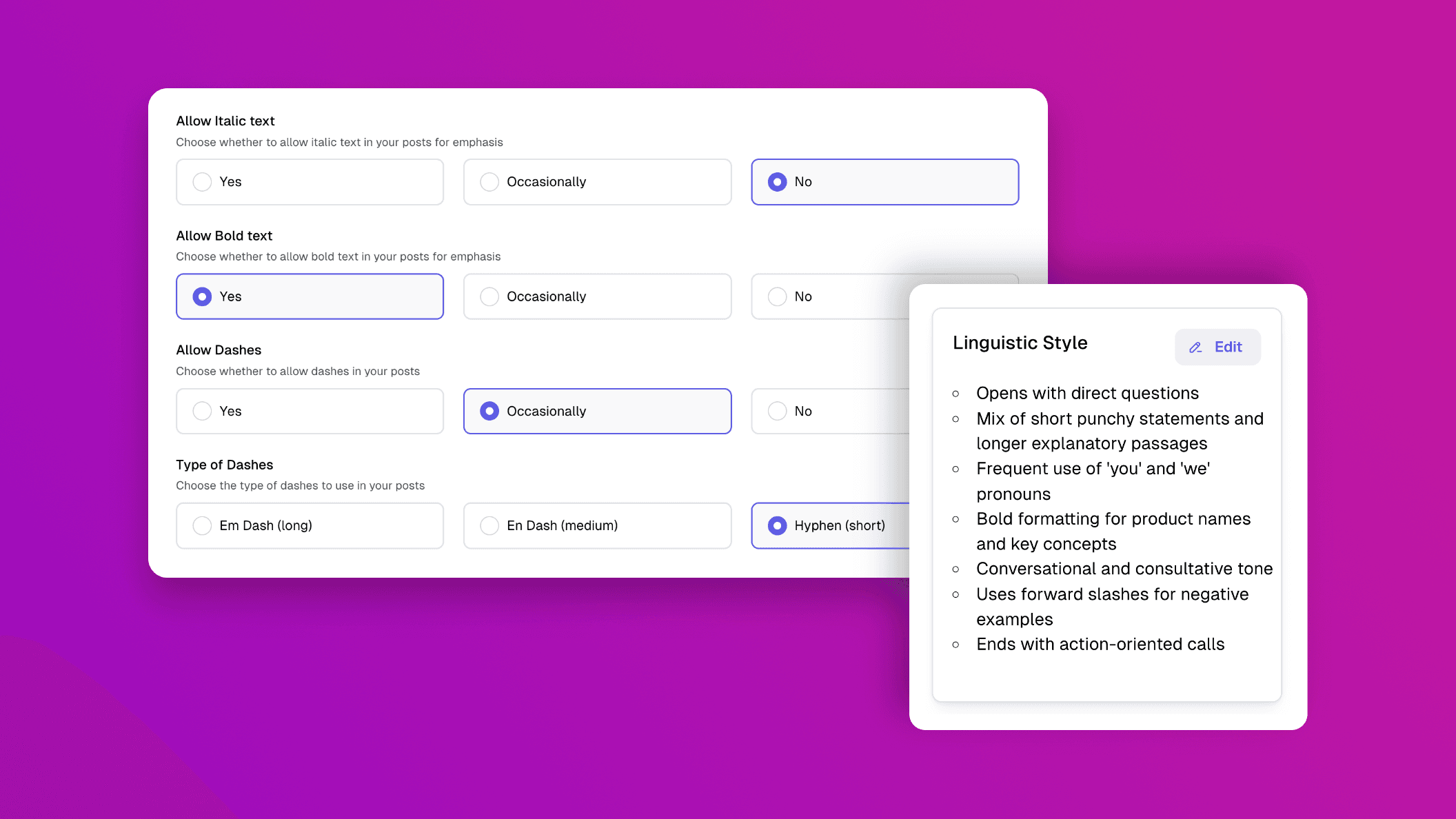
We’ve added a new feature to make your post suggestions feel even more personal. With the new Tone of Voice and Text & Style Settings, you can now fine-tune how your posts sound and read - so they reflect your unique style.
 What’s new exactly?
You can now:
- Upload up to three LinkedIn post examples (your own or the ones you admire)
- Get a tone analysis based on structure, language, and layout
- Automatically apply that tone to your future post suggestions
 How does this work in Heyoo?
Heyoo analyses the uploaded posts to understand how you typically post - including writing rhythm, phrasing, and visual formatting. This becomes the foundation for your future post suggestions.
You can now also pre-define the finer details:
- Set preferences for italic and bold text
- Choose how and when dashes are used (em, en, or hyphen)
- Exclude specific words from appearing in your post suggestions
 Where to find it in Heyoo?
Settings > Posting Profile > “Text & Style” and “Tone of Voice”
 Want to learn more about Heyoo.ai? Book a session here
 Want to see it for yourself? Sign up for a free trial