3 nov 2026
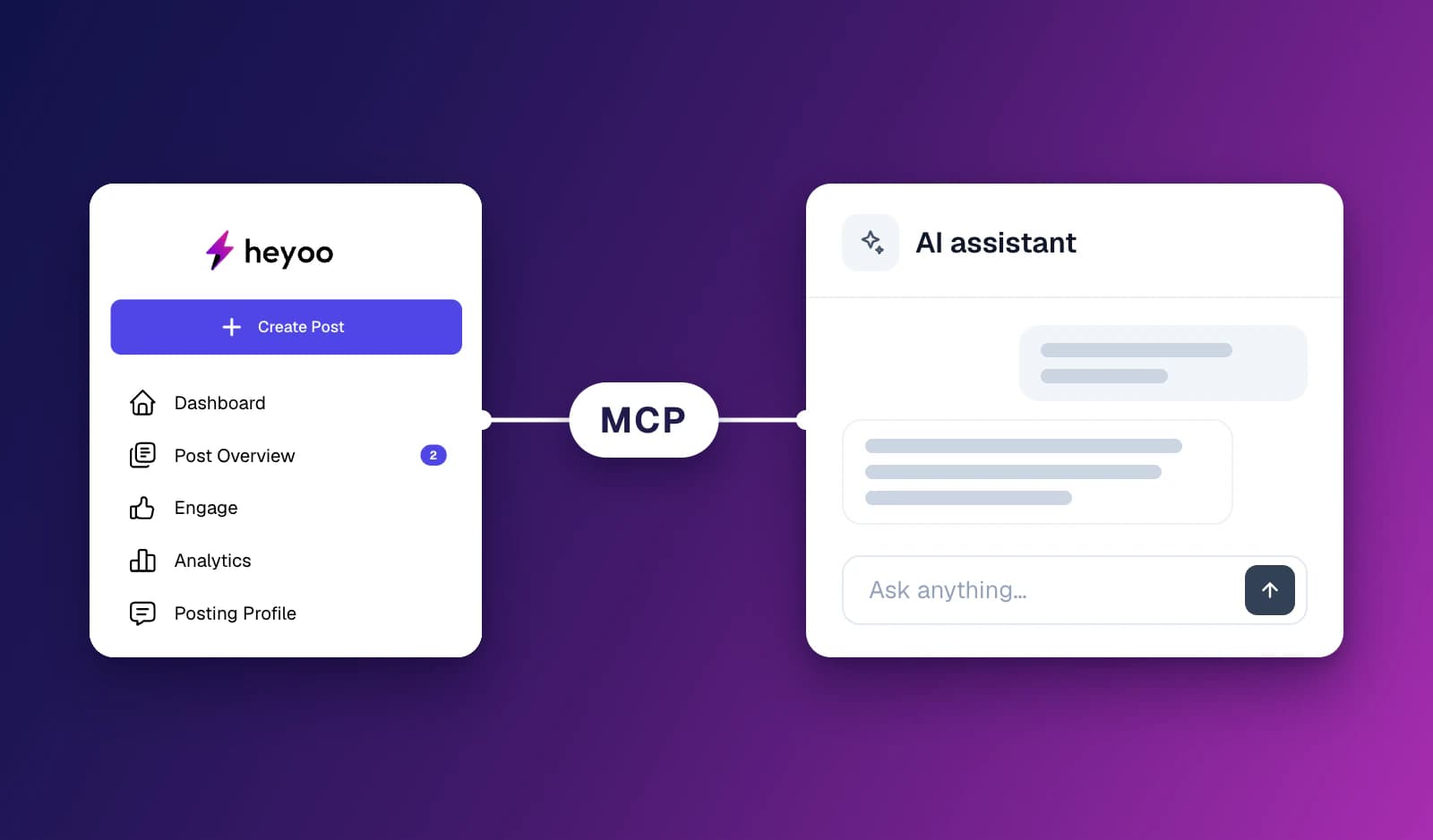
Heyoo now supports the Model Context Protocol (MCP). This means you can connect Heyoo to an AI assistant that supports MCP and work with your Heyoo workspace directly from that assistant.
Ask your assistant to write a LinkedIn post in your own Tone of Voice, turn a post idea or Content Library item into a draft, check how your team performed last month or prepare a new campaign. The assistant uses Heyoo to do it, with your company context, your permissions and your approval workflow still in place.
More and more people do their daily work in an AI assistant. They brainstorm, research, summarise documents and prepare plans there.
Until now, getting that work into LinkedIn meant copying text between tools. And when an AI assistant writes a LinkedIn post on its own, it does not know your Tone of Voice, your company profile, your Knowledge Base or your campaigns. The result often sounds generic.
With Heyoo MCP, your assistant can work with Heyoo instead. When it writes a post, Heyoo writes it, using the author's posting profile, Tone of Voice, company profile, Knowledge Base and glossary. The post lands in Heyoo, where it follows the same scheduling and approval workflow as every other post.
Through Heyoo MCP, your AI assistant can:
Create and manage posts
Have Heyoo write a LinkedIn post in the author's own Tone of Voice, based on an idea, a web page, a campaign, a post idea or a Content Library item
Save a post you finished in the chat as a draft in Heyoo
Refine a draft with a simple instruction, such as "make it shorter" or "start with the customer quote"
Add images, a video or a PDF to a post
Schedule a post, move it to another time or take it off the schedule
Look up your drafts and scheduled posts
Use your content and ideas
Browse and search the Content Library, and write posts about items or attach them
See the personalised post ideas on your dashboard, including their source and suggestions
Measure results
Get analytics for any period, such as engagement, impressions, followers gained, engagement rate, posts published and earned media value, compared with the period before
For admins
Create, update and archive campaigns, and add visuals to them
See workspace members, groups, tags and content pillars
Write posts for thought leaders who allow marketing to post for them, in their voice
Look at team-wide analytics, or narrow them down to a group or person
Heyoo MCP respects the same rules as the Heyoo web app. Members can only act on their own content and see their own analytics. Admin actions are only available to workspace admins. And when a thought leader requires approval for posts written for them, a scheduled post is sent to them for approval first, and only publishes once they approve it.
Open the settings of an AI assistant that supports MCP connectors.
Add Heyoo as a connector, using the server address https://app.heyoo.ai/mcp.
Sign in with your Heyoo account to connect your workspace.
Ask your assistant what you need. For example: "Write a LinkedIn post about our new case study from the Content Library" or "How did our team perform on LinkedIn last month?"
Posts created through the assistant are saved as drafts in Heyoo by default. They are only scheduled when you explicitly ask for it, so you always stay in control of what goes live.
With Heyoo MCP, LinkedIn content and reporting are no longer limited to the Heyoo app. You can work from the AI assistant you already use, while Heyoo keeps every post personal, on-brand and inside your existing workflow.
💬 Want to learn more about Heyoo.ai? Book a personal demo here
👀 Want to see it for yourself? Sign up for a free trial